Web Publishing
Share your construction projects online. Give bidders and team members secure access to view documents, download files, and stay updated from any device.
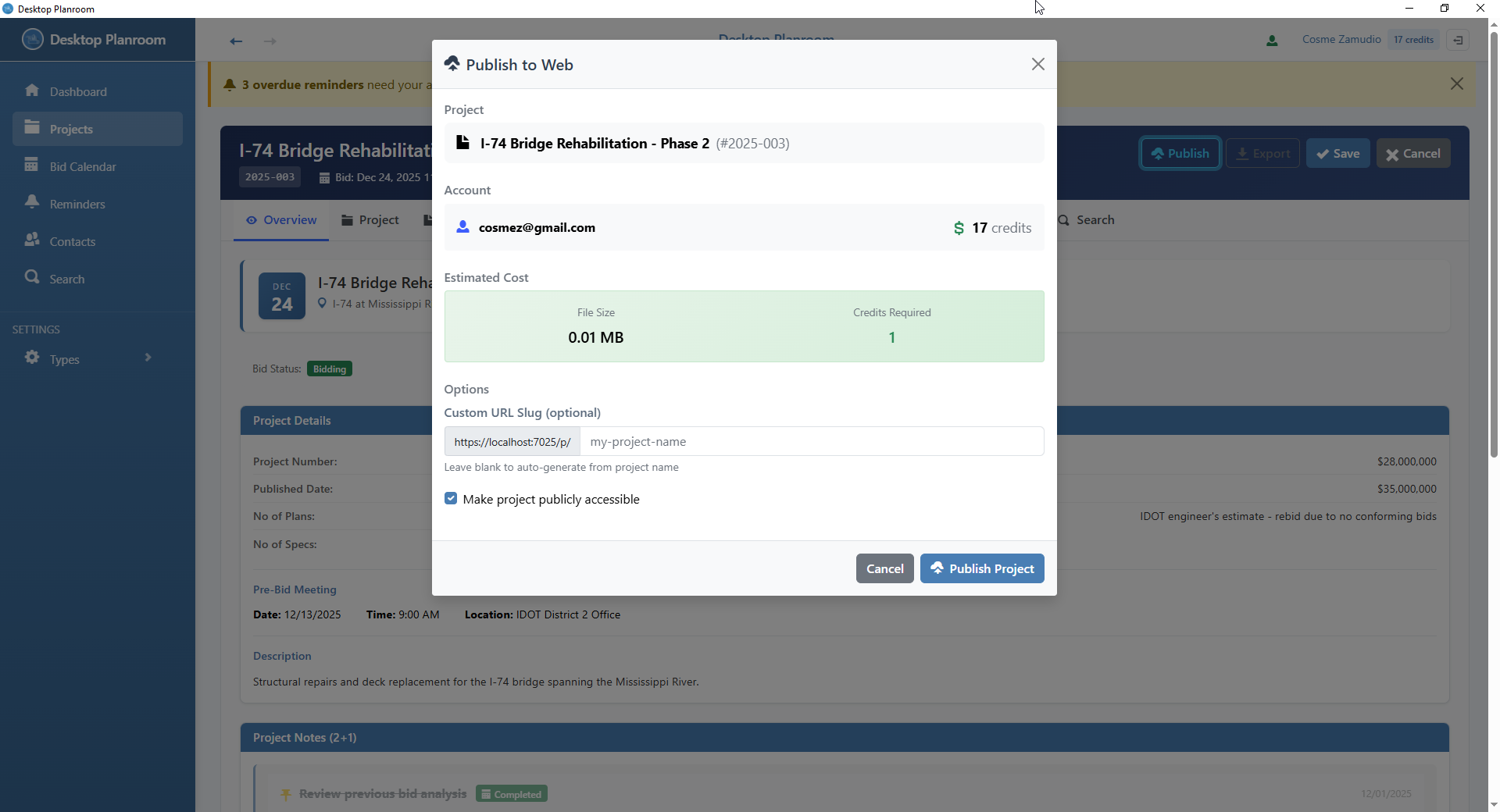
How It Works
Create Project
Build your project in the Desktop Planroom app. Add documents, contacts, and bid information.
Publish to Web
Click "Publish to Web" in the desktop app. Your project is securely uploaded to our servers.
Share Access
Share the project link with bidders and team members. They can view and download from any device.
Simple Credit System
Pay only for what you publish. No subscriptions, no recurring fees.
Additional storage costs 1 credit per 10 MB
Example Costs
| Project Size | Calculation | Credits Needed |
|---|---|---|
| Small project (5 MB) | 1 base + 0 extra | 1 credit |
| Medium project (25 MB) | 1 base + 2 extra (25÷10 rounded up = 3) | 4 credits |
| Large project (100 MB) | 1 base + 9 extra (100÷10 = 10) | 11 credits |
| Very large project (500 MB) | 1 base + 49 extra (500÷10 = 50) | 51 credits |
Get Credits
Purchase credits from your account dashboard. Credits never expire and can be used for any project.
Sign In to Buy CreditsFrequently Asked Questions
Ready to Publish?
Download the desktop app, create your project, and publish it to the web in minutes.
Download Desktop Planroom